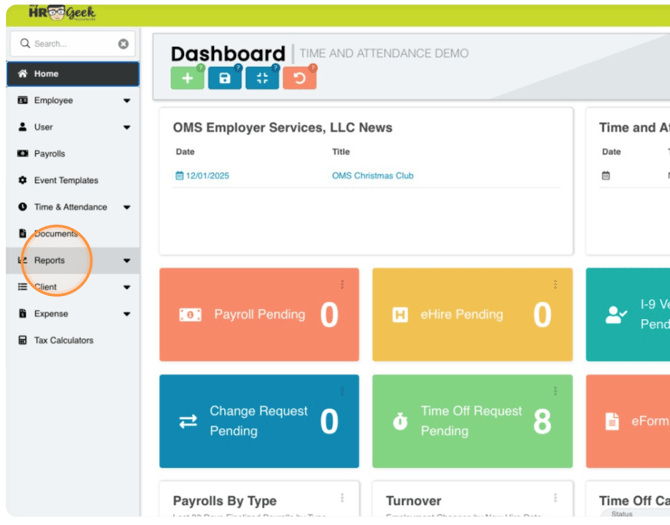
From your administrative dashboard, go to the main menu and click REPORTS.
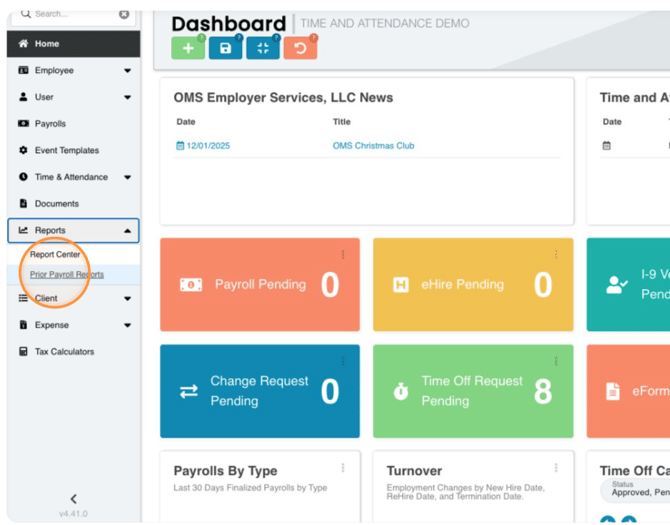
Then, from the dropdown menu, you can select REPORT CENTER or PRIOR PAYROLL REPORTS.
If you choose PRIOR PAYROLL REPORTS, you will see a list of pay period dates.
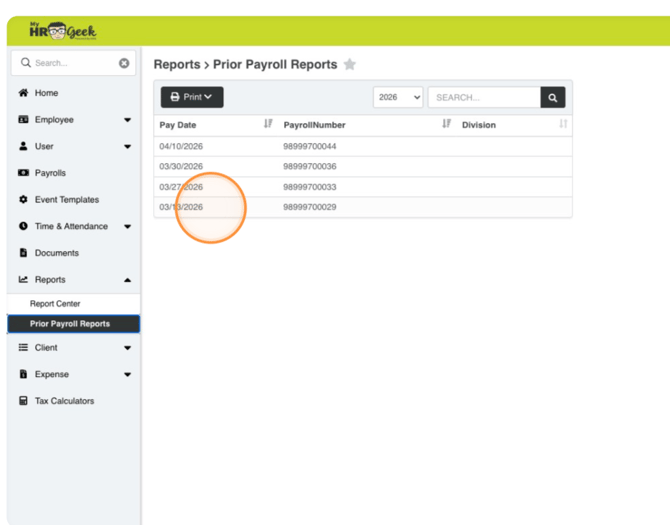
Choose a pay date from the list (that selection will turn blue), and reports related to the date in blue will display in the column on the right.
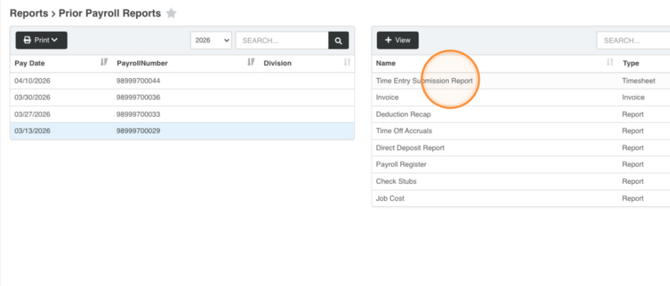
Select a report and click the green +VIEW button.
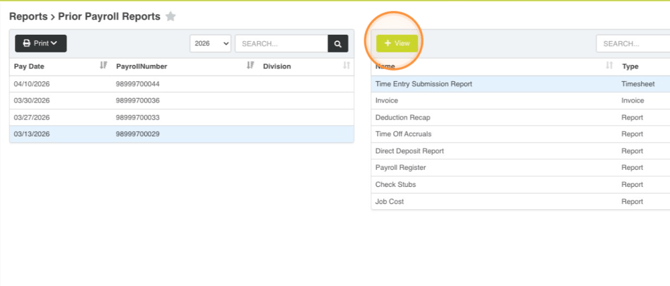
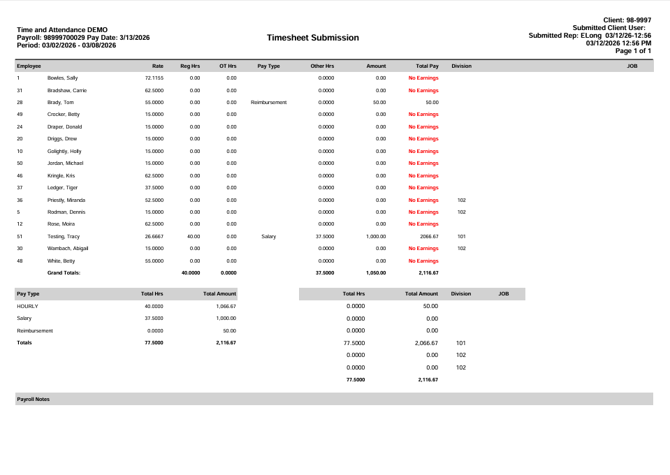
The report will pop up in a new window as a PDF. See the sample report below.