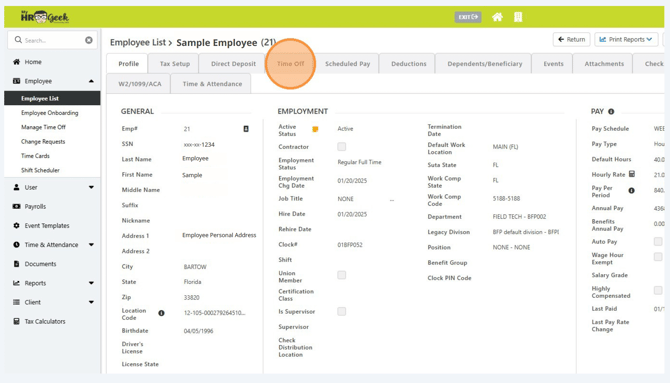
Log in to myhrgeek.com and click on MY PAYROLL INFORMATION in the main menu on the left side of the page.
Then click the Time Off tab.
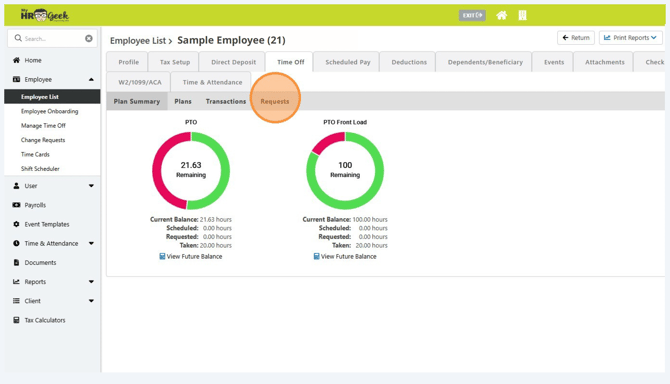
Click Requests.
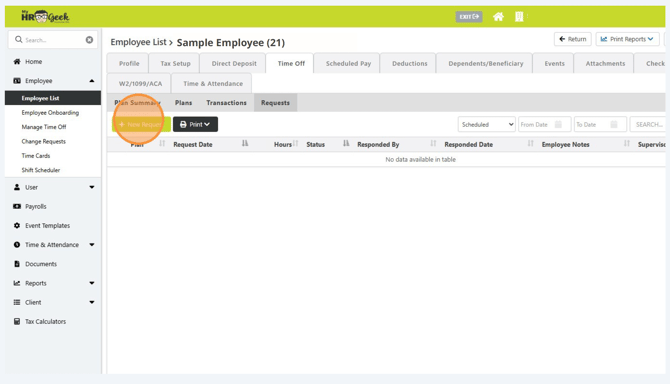
Click New Requests.
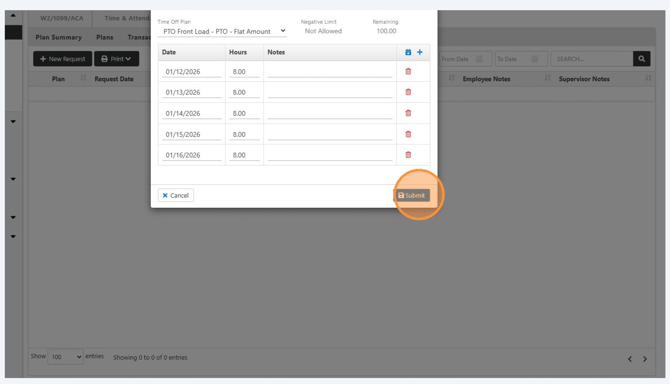
From the pop-up window, choose the correct time off plan from the drop down box.
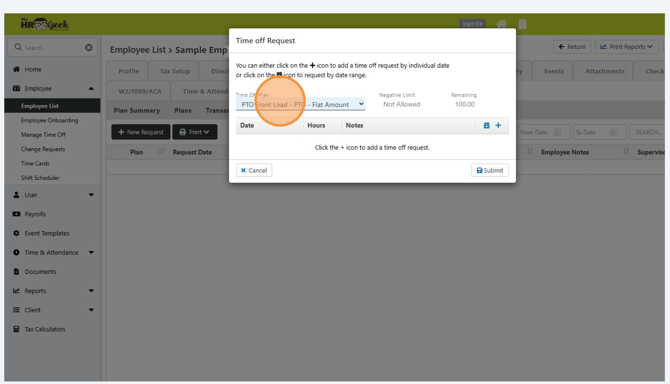
To add dates, click the + plus button.
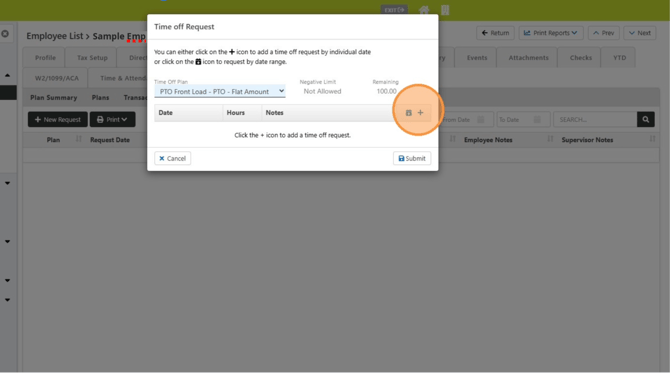
Enter the date(s) for the time off. Each day will need to be entered separately. To add additional days, continue to click the + plus button.
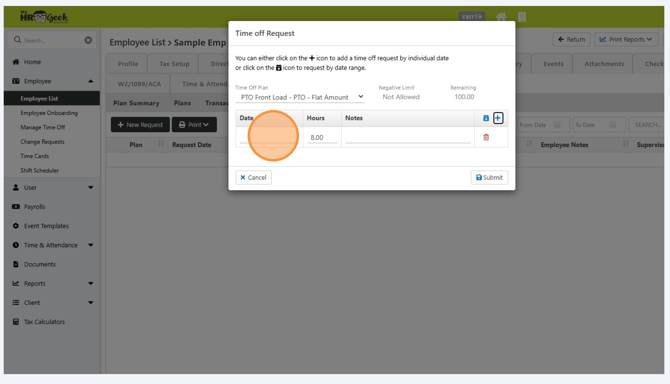
Continue adding dates until the entire time off period is listed in the request off window. Then click SUBMIT.