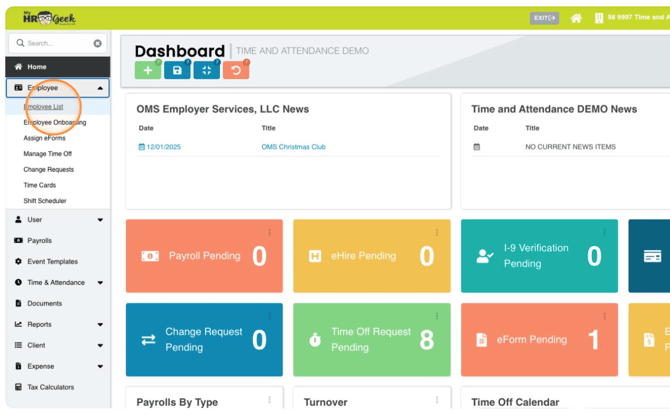
From your administrative dashboard, click on EMPLOYEE in the main menu, then click EMPLOYEE LIST.
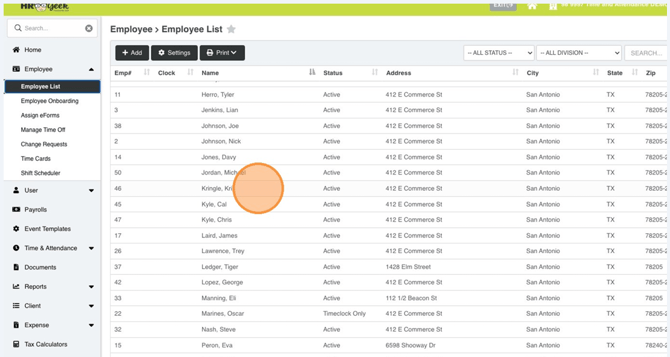
From the EMPLOYEE LIST, select an employee by double-clicking on their name.
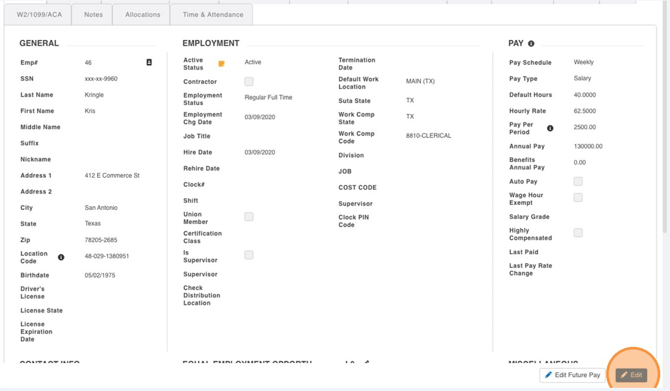
Once the employee profile opens, in the bottom right corner, click on the blue EDIT button. This will unlock the profile fields on this page so you can edit them.
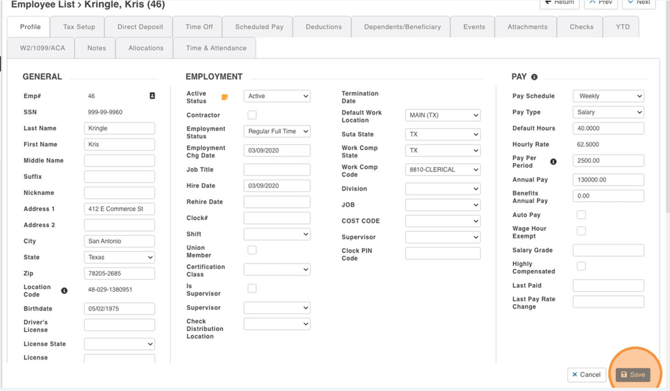
When you are finished editing, don't forget to click SAVE (bottom right)!