
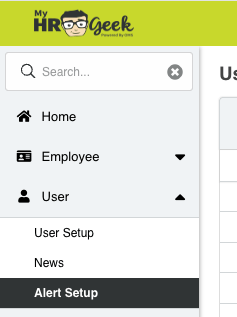
Go to your Main Menu on the left side of the screen, click USERS, then select ALERT SETUP from the dropdown menu.
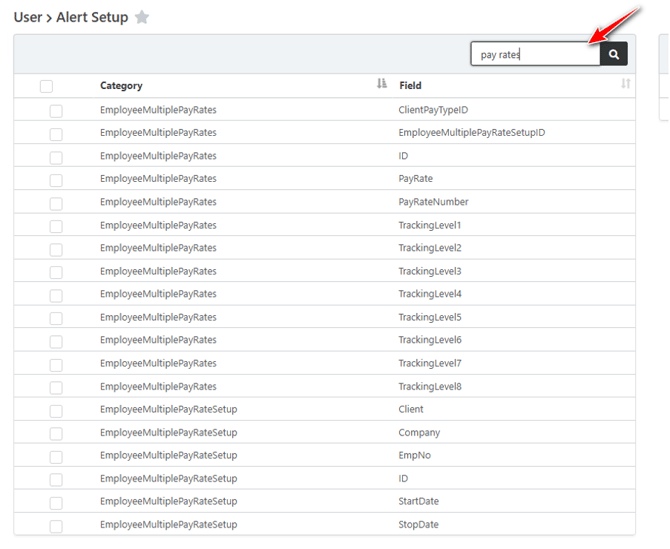
First, review the data fields that you are interested in being alerted about. You will enable the box on the left side for any field that you want monitored. There are categories and then data points. You can use the search bar under the category section to narrow down the field you want to monitor.
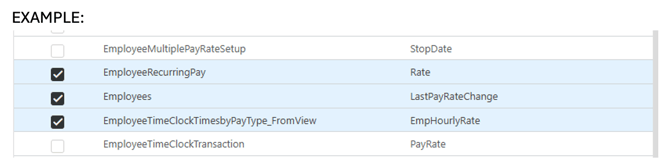
Then, when that data field is changed, the system will generate an email to you.